Preview destinations, spot misleading domains and check page requests. Act quickly if passwords, payment details or downloads are involved.
Luca Briefs1/10
Invoice checks
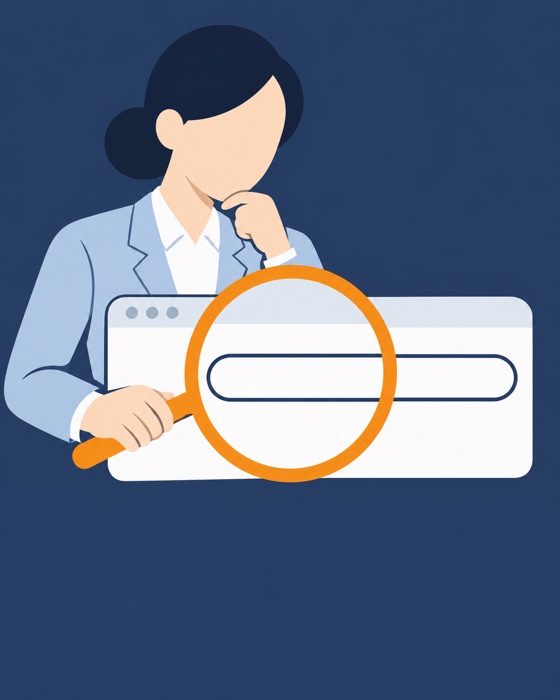
Check the address, then the page
An expected invoice can still lead to a fake portal. Inspect its address before trusting it.
Preview on a computer
1Hover without clicking.
2Read the destination in the bottom corner.
3Ignore reassuring button labels.
Preview on your phone
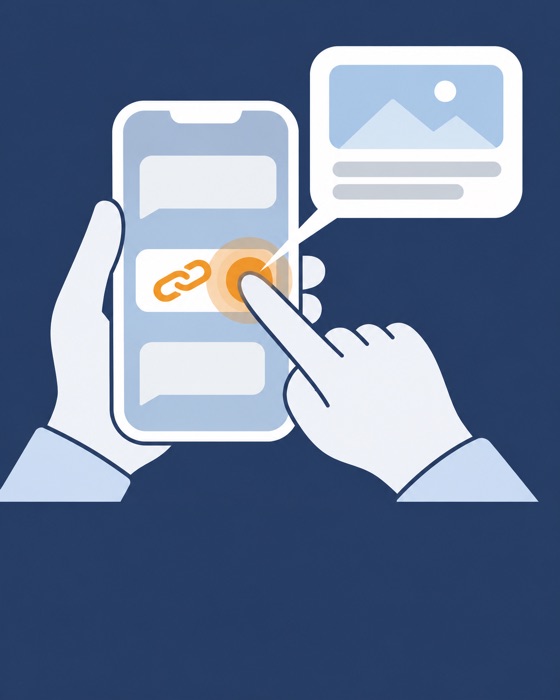
Hold the link to reveal its address. Stop if the preview hides it or starts loading.
Find the domain behind the familiar words
Find the host after https:// and before the next /. Read it right to left. ledger.example.check.example belongs to check.example. Match spelling and endings to the known domain. The host follows @.
Does HTTPS prove it is safe?
No
It only encrypts traffic. For sign-ins, payments or client records, use your bookmark, a known address or the official app.
Recheck the browser bar after opening
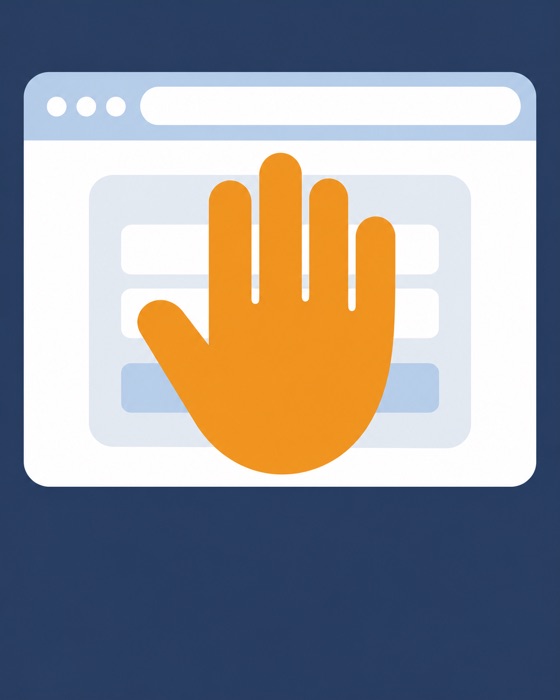
Redirects can change the destination. Stop at unexpected requests for logins, bank details or codes. A prefilled email proves nothing.
Recognise pressure and traps
1Ignore countdowns and infection warnings.
2Refuse unexpected downloads and notification prompts.
3Entered and downloaded nothing? Close it and report.
Entered credentials? Act even without submitting
1Tell your firm if you entered a password or code.
2Change exposed or reused passwords from a trusted device.
3End other sessions. Check MFA devices and recovery details.
4Ask your administrator to review mailbox rules and forwarding.
Payment details or a download?
1Bank or card details shared? Call the bank's official number now.
2Downloaded or ran a file? Disconnect Wi-Fi and Ethernet.
3Tell your firm what happened and whether you opened the file.
Keep reading
How to Check a Link or Website Before and After You Click