Check unexpected remittance files before signing in. Spot fake Outlook pages and act quickly if you share a password or MFA code.
Luca Briefs1/9
Before you type
An attachment wants your Outlook password?
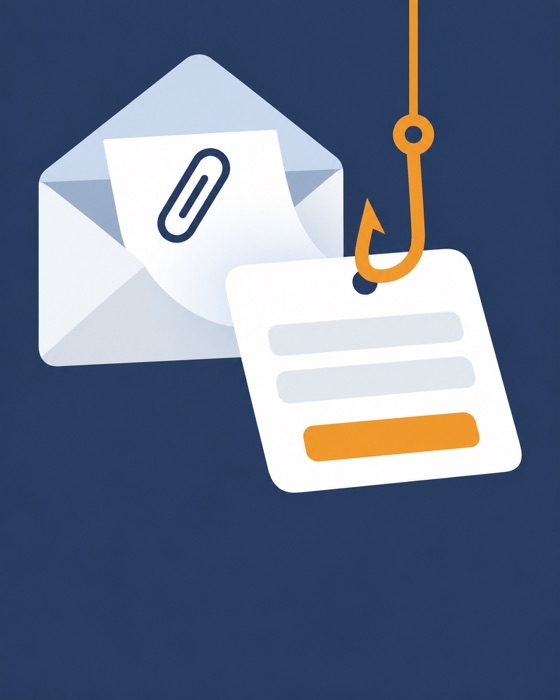
A remittance file unfolds into a login form. Pause. That page could send your password straight to a criminal.
Check the file
Read the extension
1Look beyond the filename and icon.
2.htm and .html mean web pages.
3Was a web page expected for this remittance?
Unexpected browser
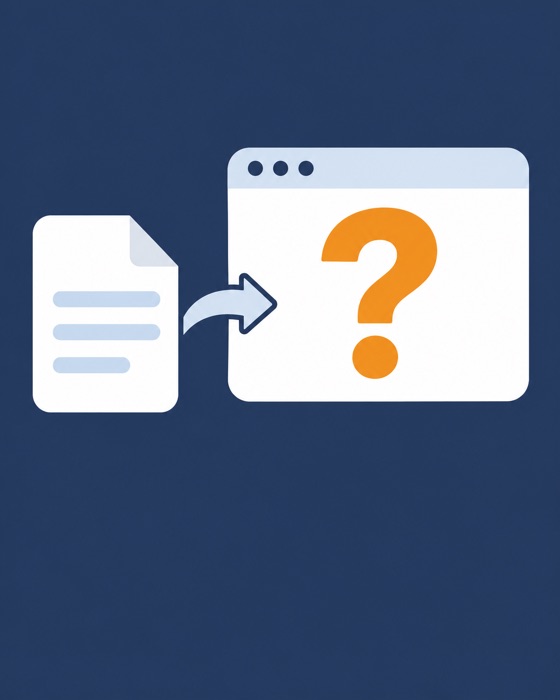
Where did the spreadsheet go?
A browser login replaces the document? Stop. A file:/// address means a local file. Redirecting elsewhere does not establish trust.
False reassurance
It shows my email. Is it genuine?
No
Criminals can add your address to a fake form. Reaching your inbox without a virus alert proves nothing.
Use a known route
Find the shared file independently
1Open Microsoft 365 through your trusted bookmark.
2Confirm sharing using contact details already held.
3Never test the form with passwords or MFA codes.
Nothing entered
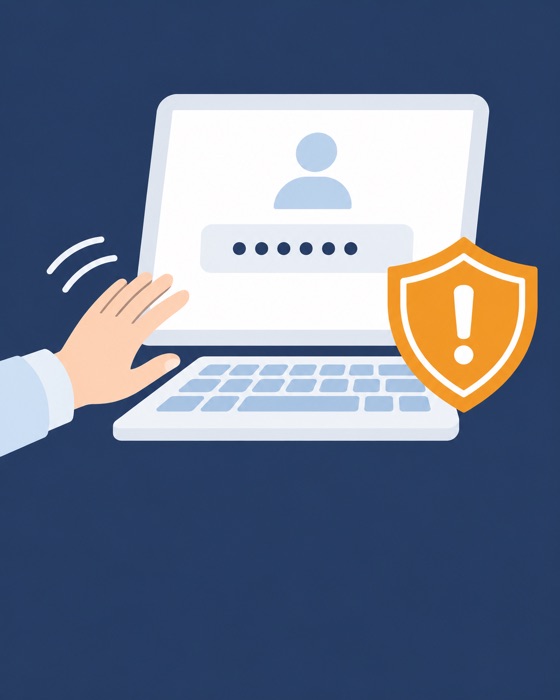
Step away from the sign-in box
Shut the tab. Report that you opened the attachment without entering credentials. Keep the message for IT. Avoid circulating the file.
Credentials entered
Act now if you typed a password
Alert IT now, including any MFA code or prompt approval. Codes can be relayed live. On a trusted device, change your password via a known address or bookmark.
Contain access
Ask IT to check the account
1Revoke sessions. A password reset may leave access open.